Skip to content

Introducing Sheeran Loopy

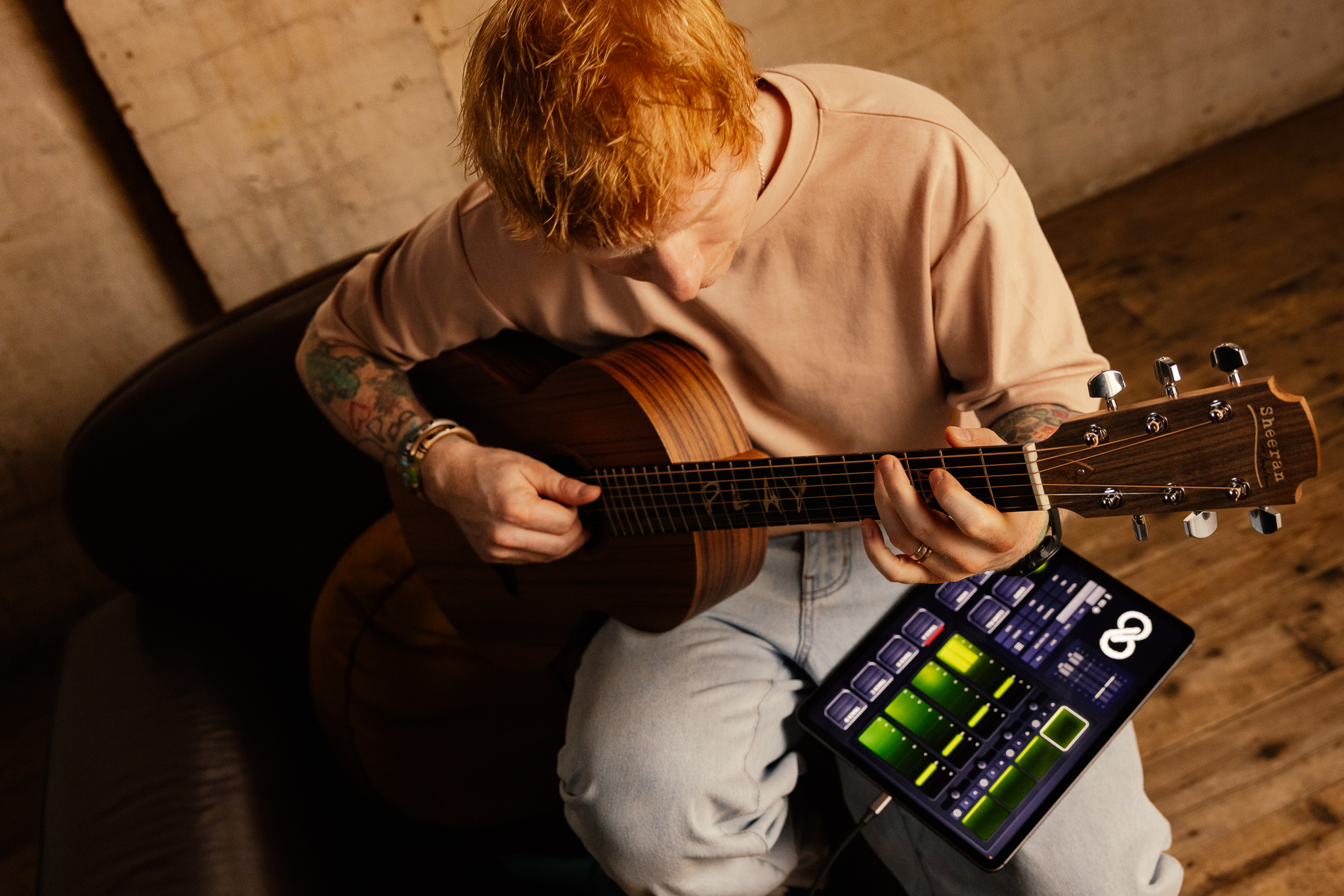
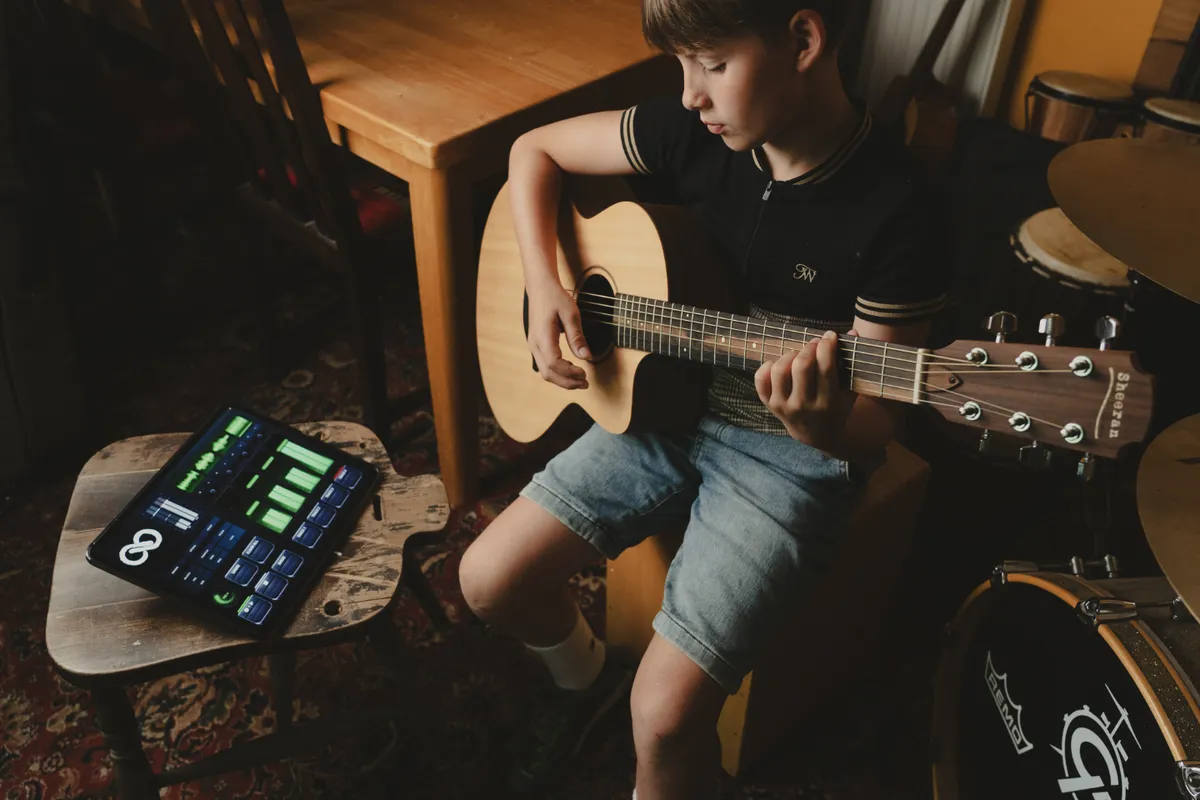
The Sheeran Looper built for iPhone and iPad.

Create and shape your performance with the world's most intuitive Looper

Based on the Looper X performance approach and re-engineered for iOS.

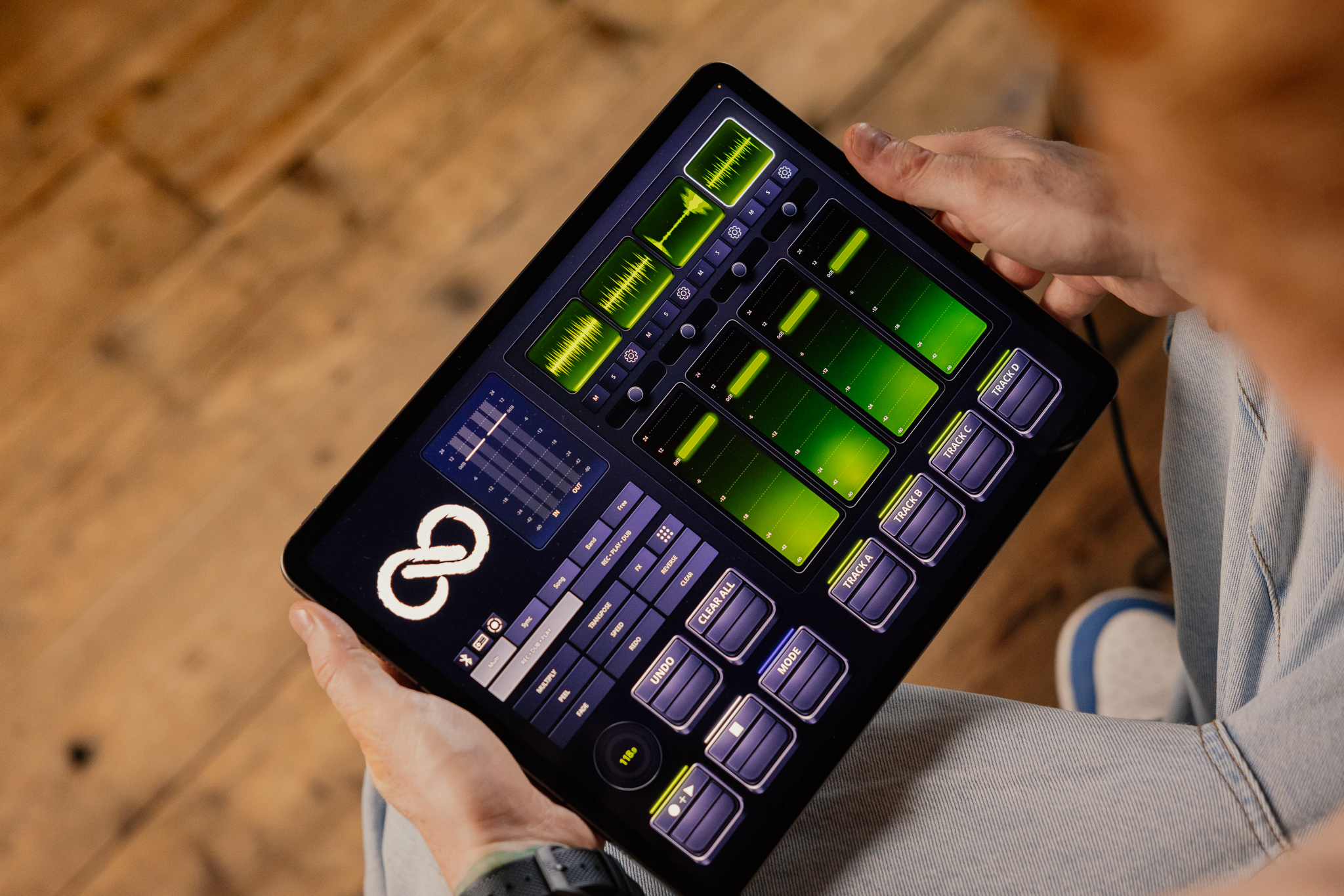
Hands holding an iPad showing the Sheeran Loopy interface with green loop waveforms

How it works

Record. Overdub. Play.

Sheeran Loopy keeps the core looping workflow immediate and visible. Capture your first loop, build additional layers in real time, then move between sections as the arrangement develops.

Loop states, timing and track activity remain clearly displayed throughout the performance.

01 Record

Capture guitar, vocals, percussion or any connected audio source directly into a loop track.

Smart Loop Assist helps establish a clean, accurate first loop by supporting timing and loop-length detection while keeping the recording process fast and intuitive.

02 Overdub

Add additional musical layers while the existing loop continues in playback.

Build harmony, rhythm and texture progressively, with each overdub becoming part of the active loop without interrupting the performance.

03 Play

Bring tracks in and out to shape the arrangement as you perform.

Build dynamics by introducing, removing and combining loop layers in real time, creating movement, contrast and evolving sections without interrupting the flow.

Whats inside

Creative control, always within reach.

Ready to play

Open it. Start playing.

Whether you’re making your first loop, developing a song or running a complete live setup, Sheeran Loopy is designed to get you into the music quickly. Clear controls, visible loop states and a performance-first interface keep the focus where it belongs.
Modes and timing

Five modes. Five ways to build.

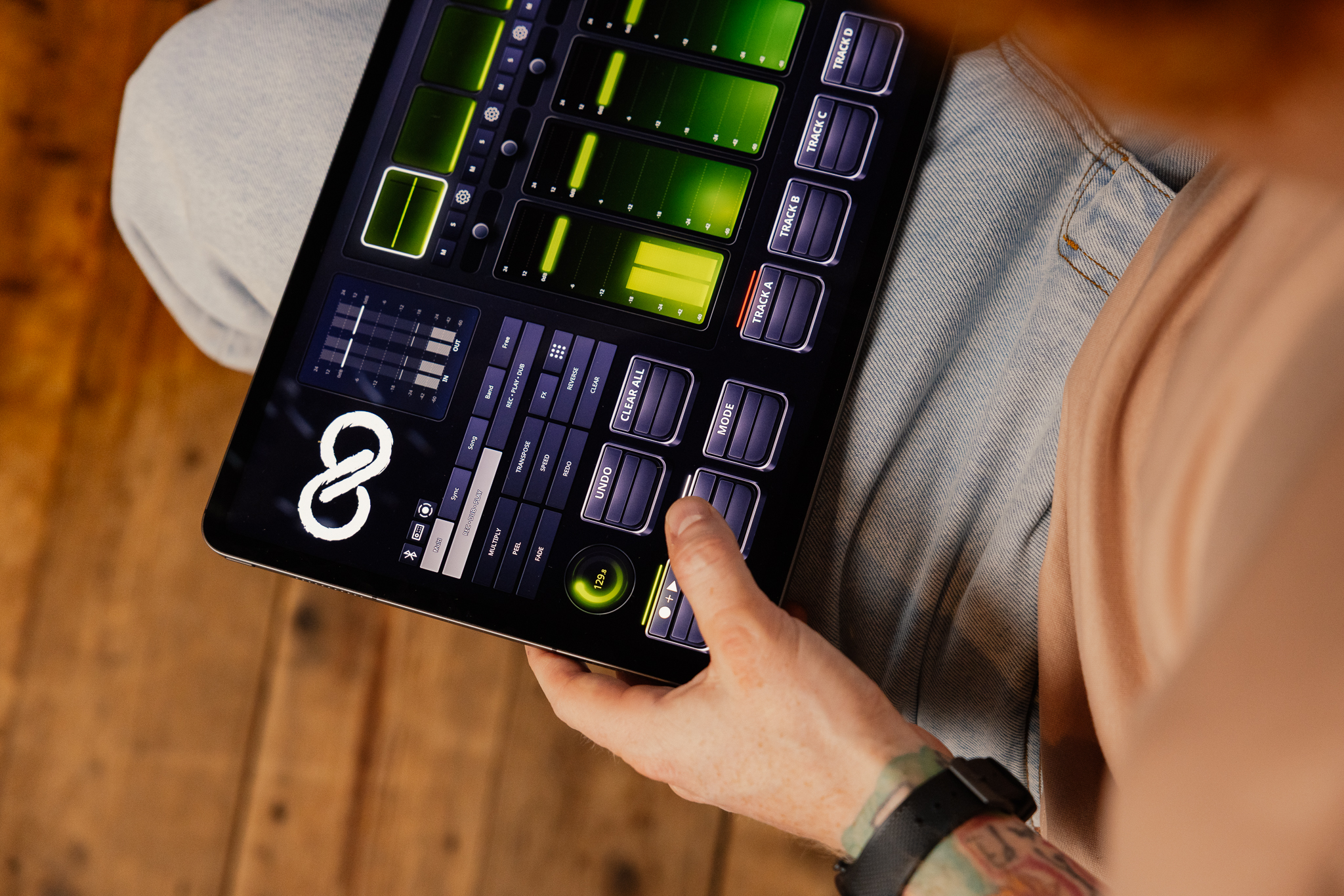
Multi, Sync, Song, Band and Free modes change the way your loops interact with timing, structure and each other. Choose a tightly synchronised performance, build full song sections or let different loops move freely.
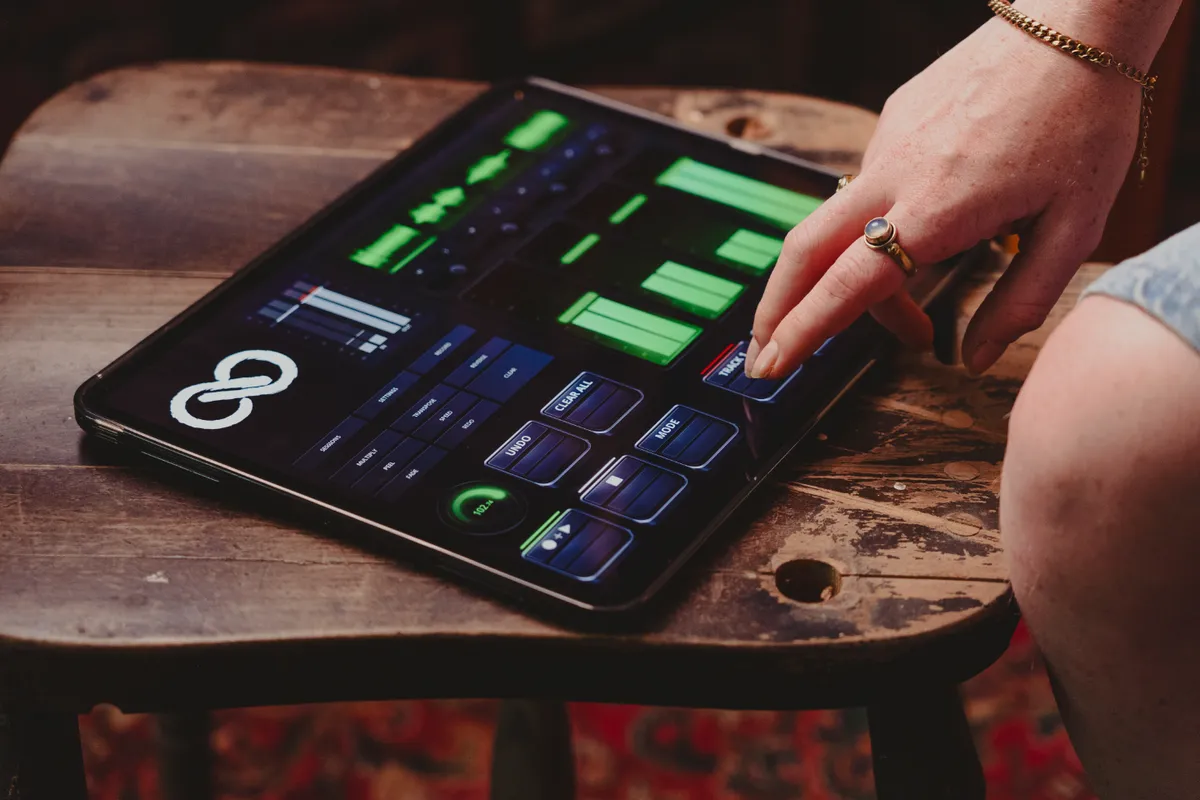
iPad showing Sheeran Loopy app
Tracks and mixing

Four tracks. Clear from the start.

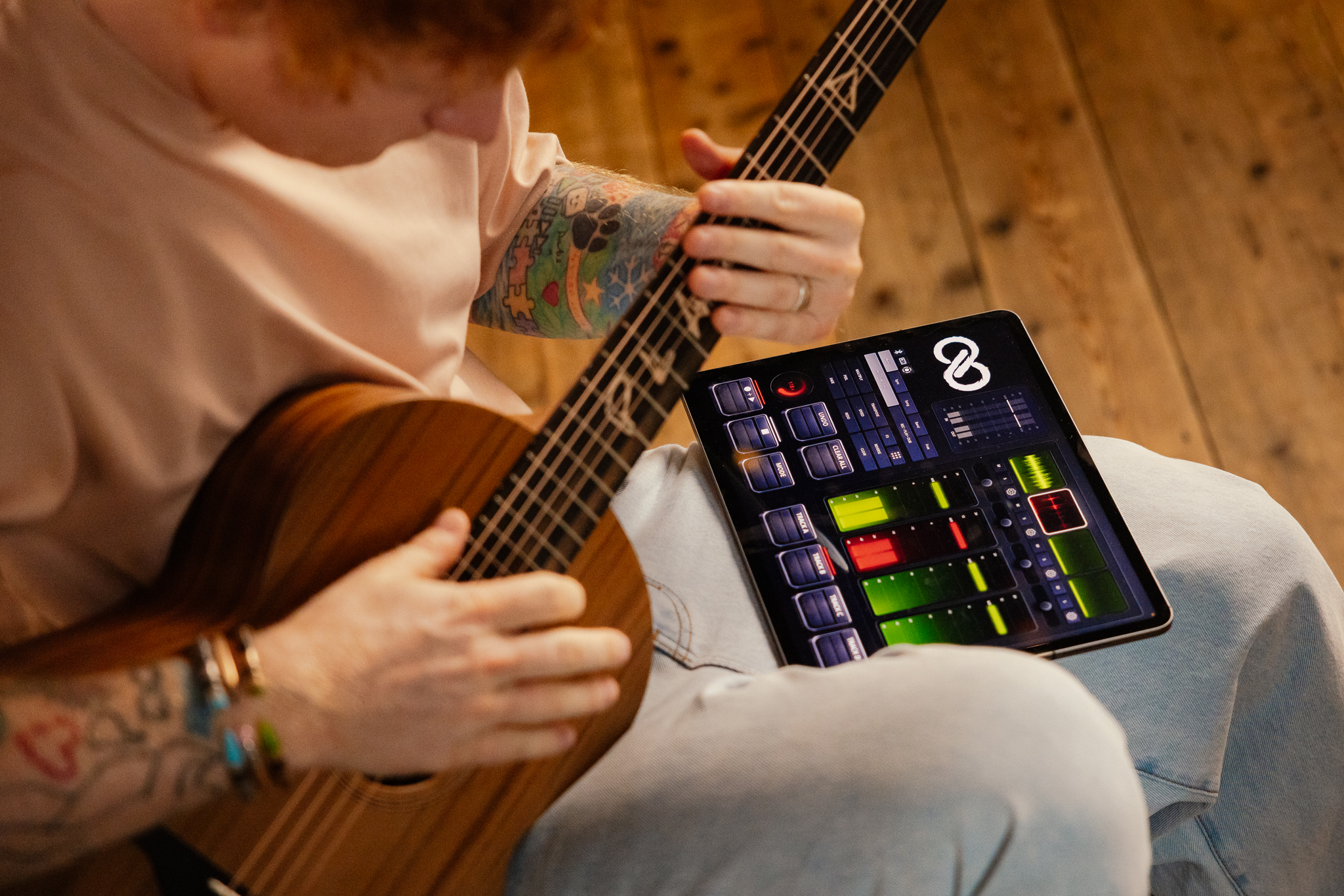
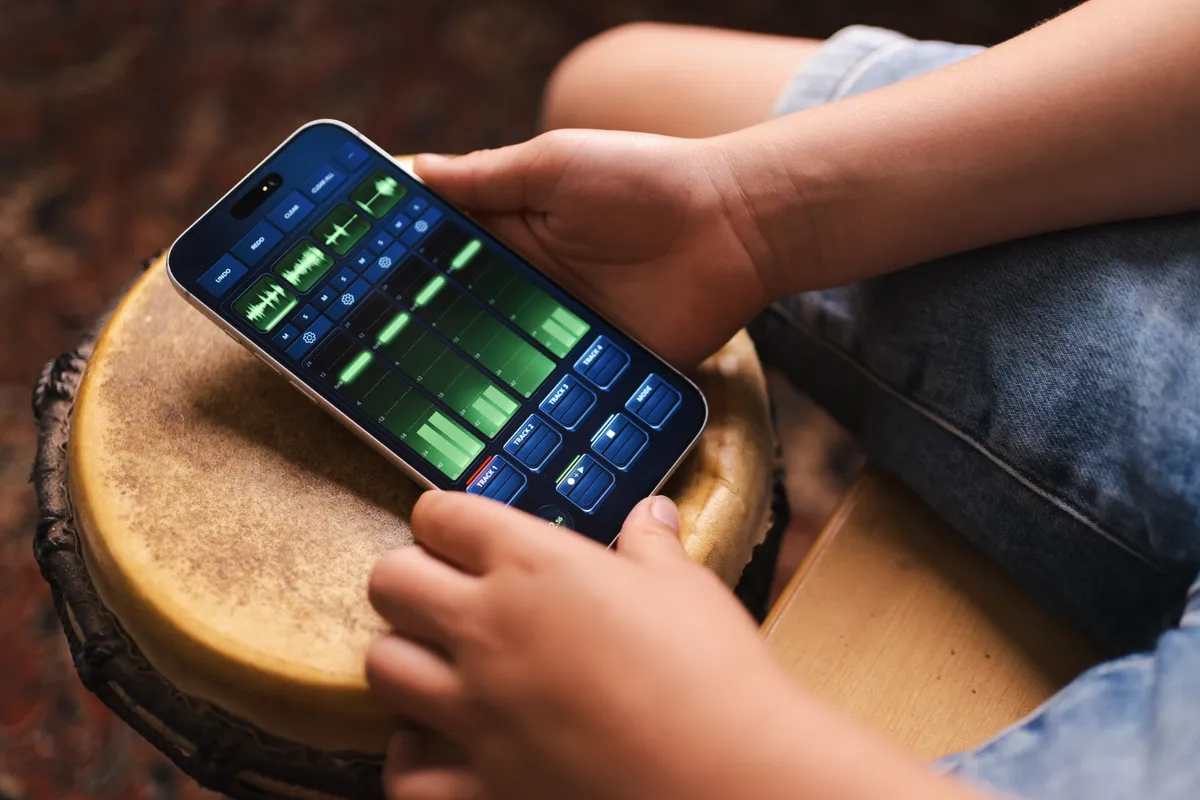
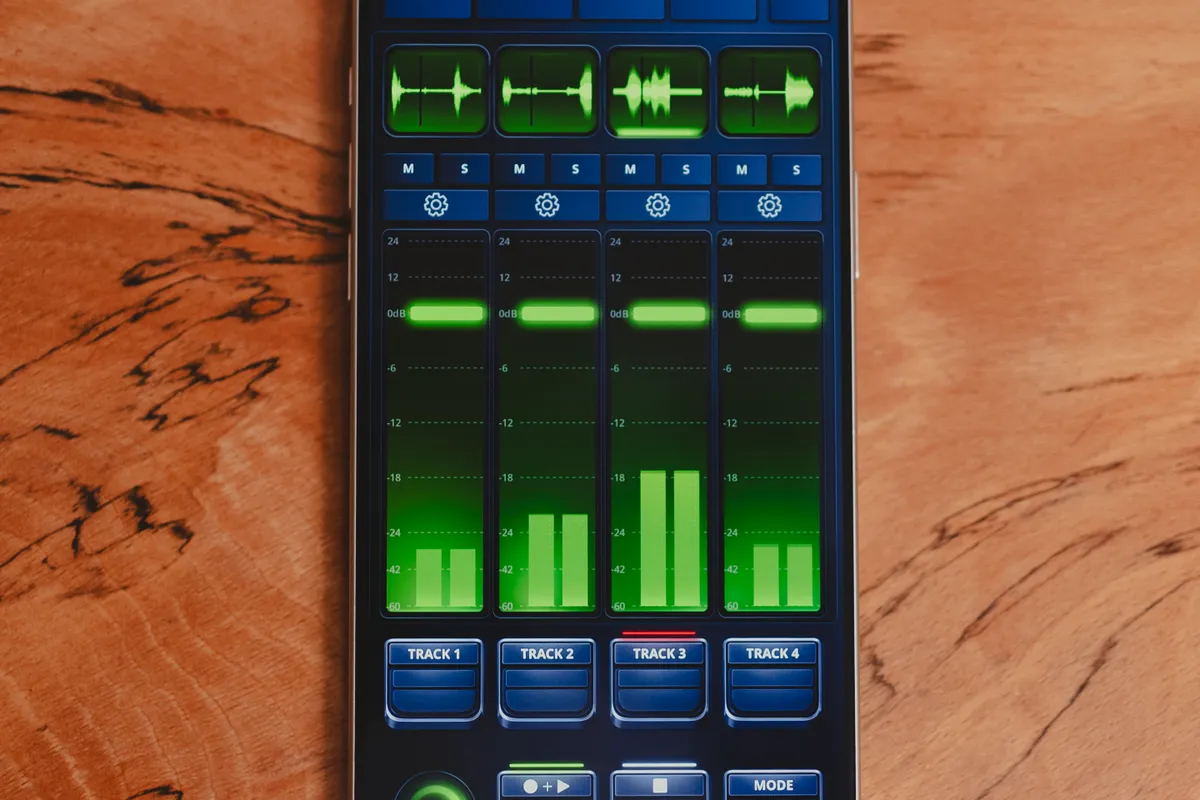
Build with four stereo loop tracks, each with dedicated level, pan, mute and solo controls. Clear visual feedback lets you see exactly what every loop is doing, while Sheeran Loopy Plus expands the workspace with six- and eight-track performance layouts.
iPad showing Sheeran Loopy app
Loop shaping

Transform the loop while it plays.

Multiply, divide, transpose, peel, reverse, change speed and fade loops in real time. Experiment freely with undo and redo always available when the music takes you somewhere unexpected.
Effects and sessions

Capture the performance. Shape the sound.

Add reverb, delay, compression, drive, modulation and tone shaping directly within the looping workflow. Save the full project to keep developing it later, or capture the performance as a stereo session mix.

Choose your way in

Make the first loop feel natural.

First-time loopers

Make the first loop feel natural.

Smart Loop Assist, clear recording states, a built-in metronome and optional count-in help you establish accurate loops without turning the creative process into a technical exercise. Start playing. The app helps with the rest.

Capture the idea while it’s moving.

Songwriters

Capture the idea while it’s moving.

Layer vocals, guitar, rhythm and texture as the song develops. Build verse, chorus and other sections while the idea is fresh, then save the complete project or capture a stereo mix.

A complete looping setup that travels with you.

Buskers and performers

A complete looping setup that travels with you.

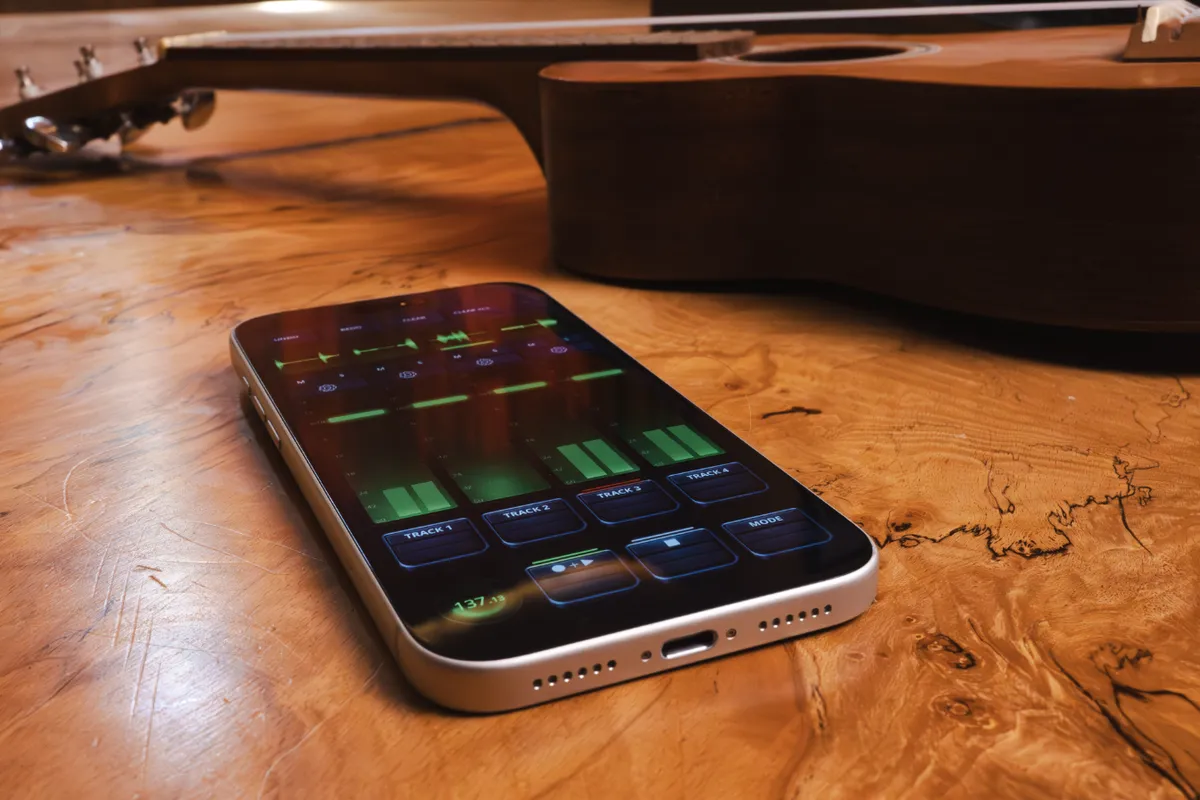
Start with four stereo tracks and a focused performance workflow on iPhone or iPad. Move to Sheeran Loopy Plus for expanded track layouts, MIDI foot control, multi-channel audio, external sync and dedicated click routing when the live setup grows.

The Looper X workflow, reimagined for iOS.

Looper X users

The Looper X workflow, reimagined for iOS.

Multi, Sync, Song, Band and Free modes bring the familiar Sheeran Looper performance approach to iPhone and iPad. Write, rehearse or perform with the same core ideas in a portable, touch-based format.

Different approaches to advanced looping.

Loopy Pro and power users

Different approaches to advanced looping.

Sheeran Loopy is built around the focused performance workflow developed for the Sheeran Looper system. Loopy Pro is a separate advanced app for musicians who want to create fully customised layouts, routing, actions and control systems from the ground up. Two different approaches, built for different ways of working.

Choose your way to loop

Multi

Keep everything locked together.

Eds signature workflow. Synchronise your loops to a global loop length and build tight, rhythmically connected arrangements. Ideal when timing and groove need to stay firmly in place.

Sync

Different lengths. One performance.

Run loops of different lengths alongside each other. Let a short rhythmic phrase sit underneath a longer guitar part, vocal line or texture.

Song

Build the arrangement as you play.

Create dedicated verse, chorus, bridge and other song sections, then move between them during the performance.

Band

Give every part a role.

Build the feel of a complete band one part at a time while keeping every element clearly organised.

Free

Leave the structure behind.

Create evolving textures, drones, swells and experimental layers without a fixed song structure. A space for loops to develop on their own terms.

Which Loopy is right for me?

Start with the
Loopy that fits
today.

Sheeran Loopy

The Sheeran Looper flow on iPhone and iPad.

Sheeran Loopy Plus

More tracks, foot control, sync, multi-channel audio I/O, click routing, and AUv3 effects.

Loopy Pro

A separate advanced app for designing a custom looping system.

When the live set grows

Take it further with Sheeran Loopy Plus.

The core Sheeran Loopy experience starts with a focused four-track workflow. Plus expands the system with additional tracks, MIDI foot control, multi-channel audio I/O, dedicated click routing, external synchronisation and AUv3 effects. More control when you need it, without losing the immediacy of the original workflow.

Sheeran Loopy

Base Edition
The core app for learning the Sheeran Looper approach, sketching songs, and playing with a compact four-track flow.
  • 4 stereo loop tracks with mixing controls
  • Multi, Sync, Song, Band, and Free modes
  • Transpose, peel, reverse, speed, fade, and built-in effects
  • Tap tempo, metronome, optional count-in, audio threshold recording, and Smart loop assist
  • Project save/load and stereo session capture

Sheeran Loopy Plus

Pro grade
More tracks, foot control, AUv3 effects, sync, multi-channel audio I/O, and click routing for larger live setups. Performance tools, not a DAW.
  • 6 and 8-track performance layouts
  • AUv3 effects hosting and FX racks
  • MIDI Learn, foot controllers, and feedback
  • Multi-channel audio I/O with click routing
  • Ableton Link and MIDI clock sync for live timing

Loopy Pro

Advanced app
Loopy Pro is a separate advanced looping app for musicians who want to design their own layouts, routing, buttons, and live systems.
  • Custom canvas layouts shaped around your set
  • Open-ended routing, actions, and automation
  • AUv3 instruments, effects, and MIDI control
  • Advanced MIDI control and performance systems
"This app is f*cking cool."
Ed Sheeran

Join the looper community

What musicians are saying.

From first loops to full live arrangements, see how musicians are using Sheeran Loopy to write, experiment and perform.

This app is splendid!

@stevenwhite80

Clicked a few buttons in the app, played some chords, and boom - my track came to life!

@ChrisBrown92

I’ve tried dozens of mobile music apps, but this one strikes the perfect balance between professional power and ease of use. Arranging and blending audio loops feels like playing a game, yet the end result sounds like it came straight out of a studio. Absolute blast to create with!

@johnnydrummachine

Pro audio results wrapped in a beautifully fun, easy-to-use interface.

@ethan-thomas

As a session guitarist, I’m amazed at how fast I can build professional layers on my iPad. The interface is incredibly fun and intuitive—no clunky menus, just pure workflow. Within minutes of opening it, I had a complex, crisp-sounding backing track ready to go. Total game-changer.

@RoryCooperGuitar

Brilliant workflow. I can build up complex tracks, with quick samples in just a few taps :)

@andyg_

The most fun I've had making tracks in years. Highly recommended!

@EviePlays

Professional results without the steep learning curve. Absolute blast!

@TannerJohnston

Intuitive, powerful, and addictive. The best music maker on iPad OS.

@jaydon

Building studio-grade loops on my iPad has never been this fast or fun!

@anon
Learn the flow

Learn it one song at a time.

A series of short lessons takes you from recording your first loop to building complete arrangements and configuring a live performance setup.

01 Make your first loop

Get the timing right and understand the basic Record, Play and Overdub workflow.

Make your first loop

02 Adding another layer

Build rhythm, harmony and texture over your first loop.

Adding another layer

03 Understand Multi and Sync

Learn how different loop lengths and synchronised timing change the way an arrangement feels.

Understand Multi and Sync

04 Build a verse and chorus

Turn individual loops into structured song sections.

Build a verse and chorus

05 Shape loops with effects

Transform and process your loops while they continue playing.

Shape loops with effects

06 Connect a foot controller

Take control away from the screen with MIDI Learn and external foot control.

Connect a foot controller

07 Set up for live performance

Bring the tracks, timing, routing and control together into a performance-ready setup.

Set up for live performance

Learn it one song at a time.

FAQ

Good things to know.

Is Sheeran Loopy for beginners?
Yes. Sheeran Loopy is made to feel immediate: open the app, choose a mode, start recording, and build from there. The four-track layout, tempo tools, built-in effects, and project saving give you enough to create, practise, and perform from your iPhone or iPad.
Is it similar to the Looper X pedal?
Yes. Sheeran Loopy brings the core Sheeran Looper performance approach to iPhone and iPad, with touch controls and app-friendly ways to record, layer, switch sections, and shape loops.
Who is Sheeran Loopy Plus for?
Sheeran Loopy Plus is for performers who want larger live setups: six or eight-track layouts, foot control, MIDI Learn, AUv3 effects, sync, multi-channel audio I/O, and click routing. It adds performance tools, not a DAW.
Does it work on both iPhone and iPad?
Yes. Sheeran Loopy is made for iPhone and iPad, so you can sketch ideas on the device you have with you and move to a larger screen when you want more room to perform.
Can I use a foot controller?
Yes, with Sheeran Loopy Plus. Plus adds MIDI Learn and foot controller support for performers who want hands-free control on stage.
Can I connect an audio interface?
Yes. Sheeran Loopy supports stereo input and output. Sheeran Loopy Plus adds multi-channel audio I/O and click routing for larger live rigs.
Can I upgrade later?
Yes. Sheeran Loopy Plus is available as an in-app purchase, so you can start with the core app and upgrade later when you want more tracks, foot control, sync, AUv3 effects, multi-channel audio I/O, or click routing.
Is Sheeran Loopy really endorsed by Ed Sheeran?
Yes, really. Sheeran Loopy is made around Ed's looping approach and the Sheeran Looper flow.
Is this the same as Loopy Pro?
Sheeran Loopy and Loopy Pro are separate apps. Sheeran Loopy gives you the Sheeran Looper flow. Loopy Pro gives advanced users tools for custom layouts, routing, actions, and performance systems.

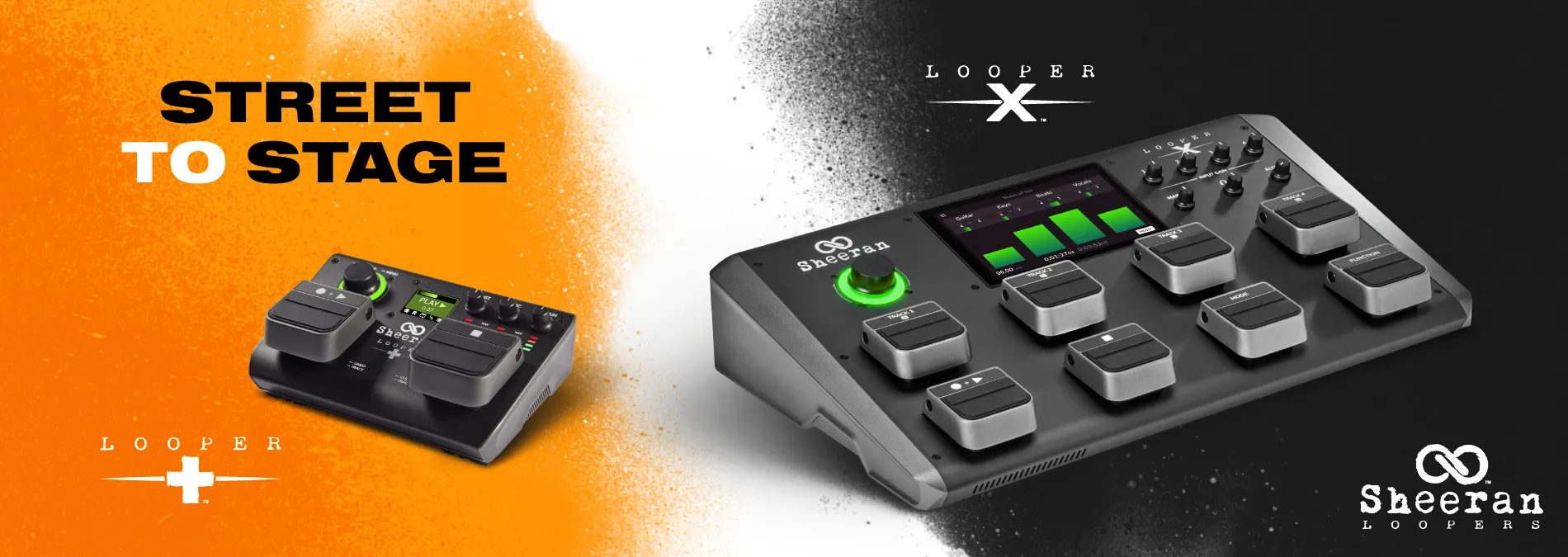
Sheeran Looper X Pedals

Level up your loops

Download

Watch demo